Google Docs to Google Slides, from your outline
Outdeck turns the Doc you are writing into a Slides deck, following your headings, with bullets, images, tables and speaker notes. When you edit the Doc, it updates only the slides that changed.
Email us to get Outdeck See pricing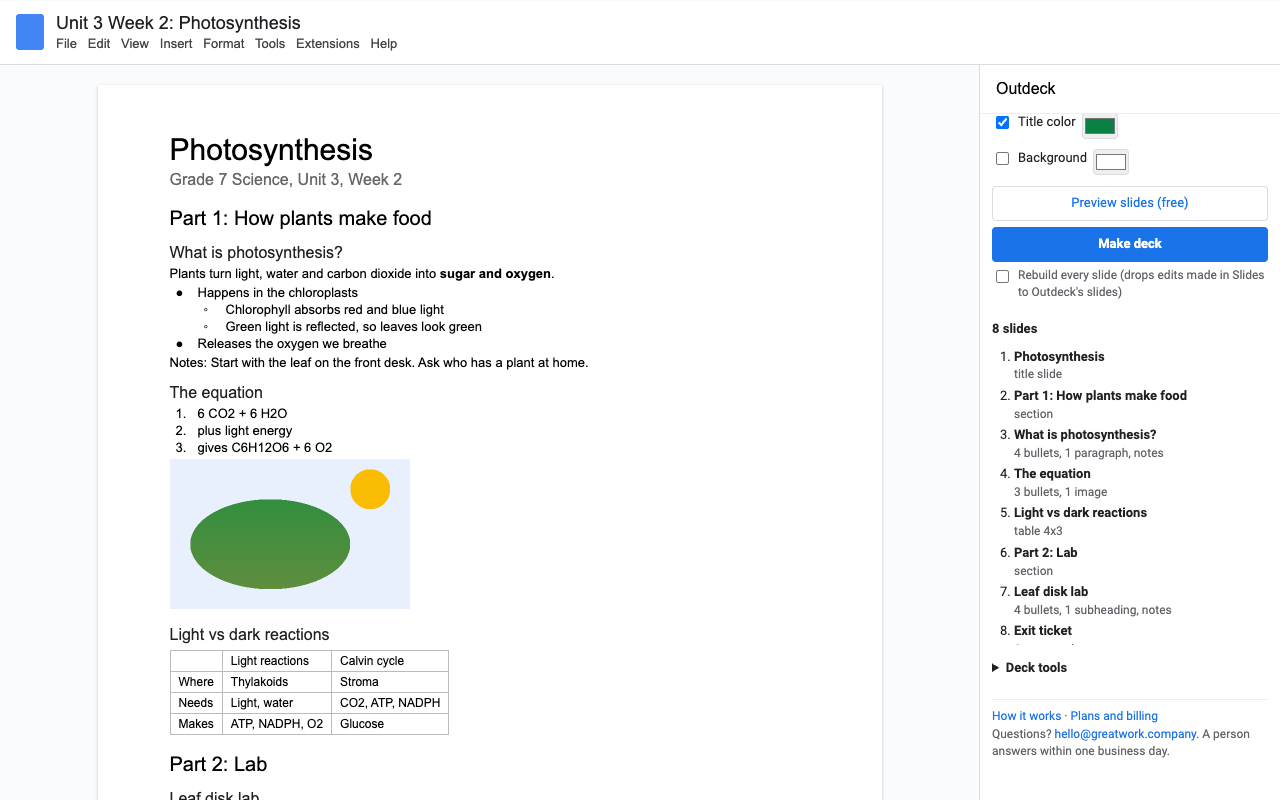
What it does
Heading 2 starts a slide, Heading 1 makes a section divider, the Title makes a title slide. Pick other levels if your Doc is laid out differently.
Bullets keep their indent levels; bold, italic and links carry over. Images sit next to the text, tables become real Slides tables.
Start a paragraph with Notes: and it goes to that slide's speaker notes. Or send every paragraph to the notes and keep only bullets on the slide.
Edit the Doc and click Update deck. Only changed slides are rebuilt, and slides you added yourself in Slides are never touched.
Big centered text, one paragraph per slide: captions for live performances, song lyrics, vocabulary and flash cards.
Find and replace across every slide and speaker note, and apply one font, title color and background to the whole deck.
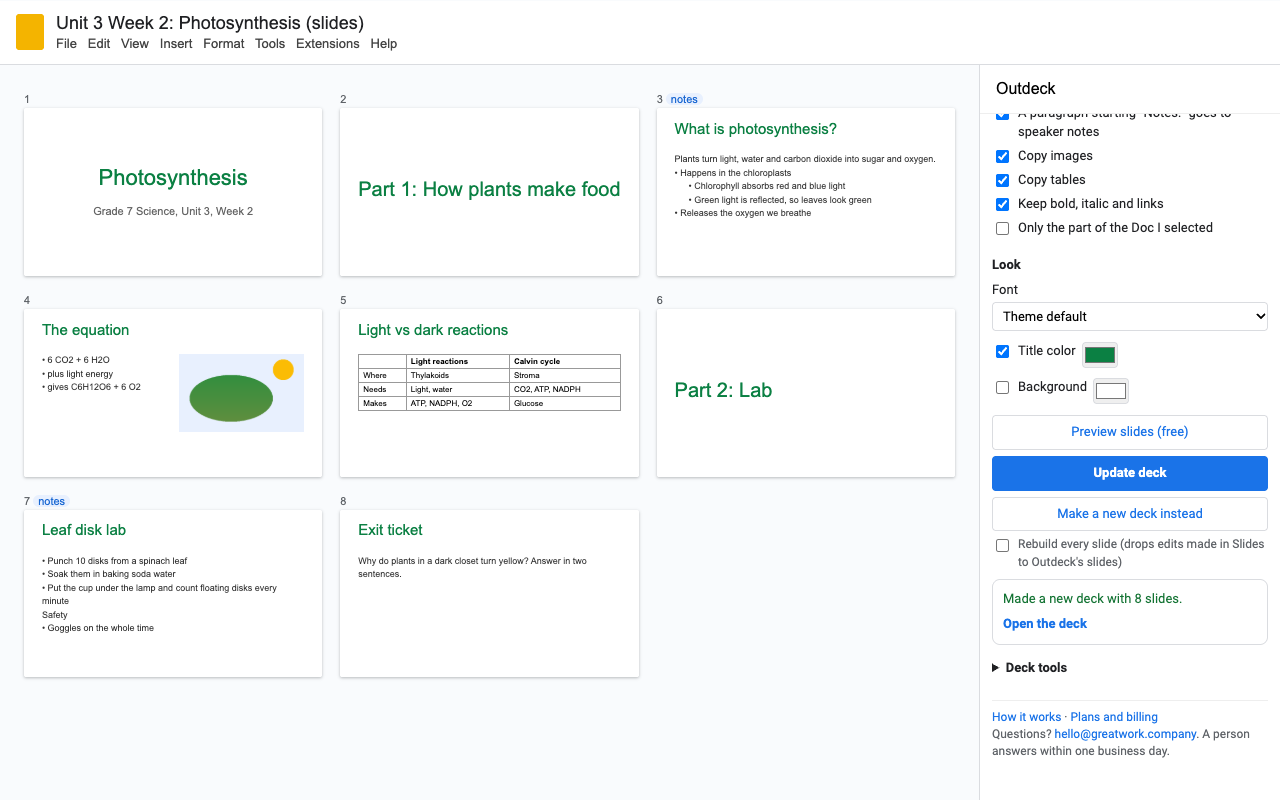
How to convert a Google Doc to Google Slides with Outdeck
- Install Outdeck, open your Doc and choose Extensions > Outdeck > Open Outdeck.
- Use Title, Heading 1 and Heading 2 for your structure (Format > Paragraph styles). Bullets and paragraphs under a heading become that slide's content.
- Click Preview slides to see the slide list. It's free, as often as you like.
- Click Make deck, then Open the deck. It's a normal Google Slides file in your Drive, owned by you.
- Next time you edit the Doc, click Update deck (or Extensions > Outdeck > Update linked deck).
How each part of your Doc maps
| In your Doc | In the deck |
|---|---|
| Title (and Subtitle) | Title slide |
| Heading 1 | Section divider, or a normal slide if text follows it directly |
| Heading 2 | New slide with that title |
| Heading 3 to 6 | Bold line inside the slide |
| Bullets, numbered lists | Bullets with the same nesting |
| Paragraphs | Slide text, speaker notes, or one slide each (your choice) |
Notes: paragraph | Speaker notes for that slide |
| Images | Beside the text, or full size on an image-only slide |
| Tables | Slides table; long tables continue with the header repeated |
| Page break or horizontal line | New slide with the same title |
| Long sections | Continue on a "(cont.)" slide |
Pricing
About $8.25 a month. Every feature, one Google account.
Same features, billed monthly. Cancel when the term or project is over.
Team plan: everyone at your school's or company's Google Workspace domain.
5 deck builds or updates, or 14 days, whichever comes first. Images, tables and notes included. No card needed. The 14 days start when you first open Outdeck.
No surprise charges. We never charge you unless you start a checkout yourself. Outdeck shows your trial status and these prices from the first minute. Previews and updates that change nothing are always free. When the trial ends, it shows the plans; nothing is charged and your decks stay yours.
Renewal. Monthly, annual and team plans renew automatically at the same price until you cancel. Cancel any time from Extensions > Outdeck > Plans and billing, in one step. You keep access until the end of the period you paid for.
Right to cancel (UK and EU). If you are a consumer in the UK or EU, you can cancel within 14 days of buying and get a full refund. Email hello@greatwork.company or cancel in Plans and billing and reply to the receipt.
Mistakes. Charged twice or by accident? Email us and we'll refund it.
Prices are in US dollars and exclude any sales tax or VAT that applies where you live. Payments are processed by Stripe; we never see your card number.
Why switch
| What people say about other Docs-to-Slides add-ons | What Outdeck does |
|---|---|
| "Only imported titles" | Titles, bullets with nesting, paragraphs, images, tables and speaker notes. |
| "Converts every single line to a single slide" | Slides follow your headings. One slide per line is there too, but only when you ask for it. |
| "Text only, your pics don't transfer" | Images from the first free build. |
| Start over after every edit | Update deck rebuilds only what changed and keeps the slides you added. |
| Asks to "see, edit, create and delete all your Google Slides presentations" | Sees only the Doc you open it in and the decks it makes for you. |
| "Paid and nothing happened" | Your plan unlocks the moment checkout finishes, and a person answers email within one business day. |
Help
Can Outdeck update a deck I made by hand?
No. Google only lets Outdeck open decks it created, which is why it doesn't need access to all your presentations. Make an Outdeck deck, then copy any hand-made slides into it; they'll be left alone on every update.
A colleague made the deck from our shared Doc.
Their deck can only be updated by them. Click Make a new deck instead to get your own, or ask them to click Update deck.
What happens to changes I make in Slides?
Slides you add are never touched. Changes to an Outdeck slide stay until that slide's part of the Doc changes; then that one slide is rebuilt from the Doc.
An image didn't come across.
Some school and company accounts block the link Slides uses to copy an image. Outdeck says which ones failed; click Update deck to retry. If it keeps failing, your admin's Drive sharing settings are the cause; drag the image in by hand once.
What counts as a trial build?
Making a deck, or an update that changes it. Previews, updates with nothing to change, failed runs, find and replace, and restyling don't count.
Still stuck?
Email hello@greatwork.company. A person replies within one business day.
Privacy
- Google data it accesses: only the Doc you open Outdeck in (its text, headings, lists, formatting, images and tables). It never changes the Doc. It creates a Slides deck in your Drive and can open only decks it created.
- Images: each image is uploaded to your own Drive as a temporary file so Slides can copy it, then deleted. If Slides can't fetch it privately, that temporary file is link-shared for the few seconds the copy takes. You can turn image copying off.
- What reaches Great Work: your Google account email, the product id and a count of trial builds, for billing. Never any Doc or slide content. See the full privacy policy.
- Sharing: we don't sell data, use it for ads, or use it to train AI models.
- Outdeck's use and transfer of information received from Google APIs adheres to the Google API Services User Data Policy, including the Limited Use requirements.